Collaborative pages
Create and refine shared documents with rich editing, comments, and team contributions.
Tercant Projects & Documentation gives teams a structured home for projects, spaces, and collaborative pages. Capture plans, processes, decisions, meeting notes, and company knowledge so people can find trustworthy context without searching across disconnected tools.
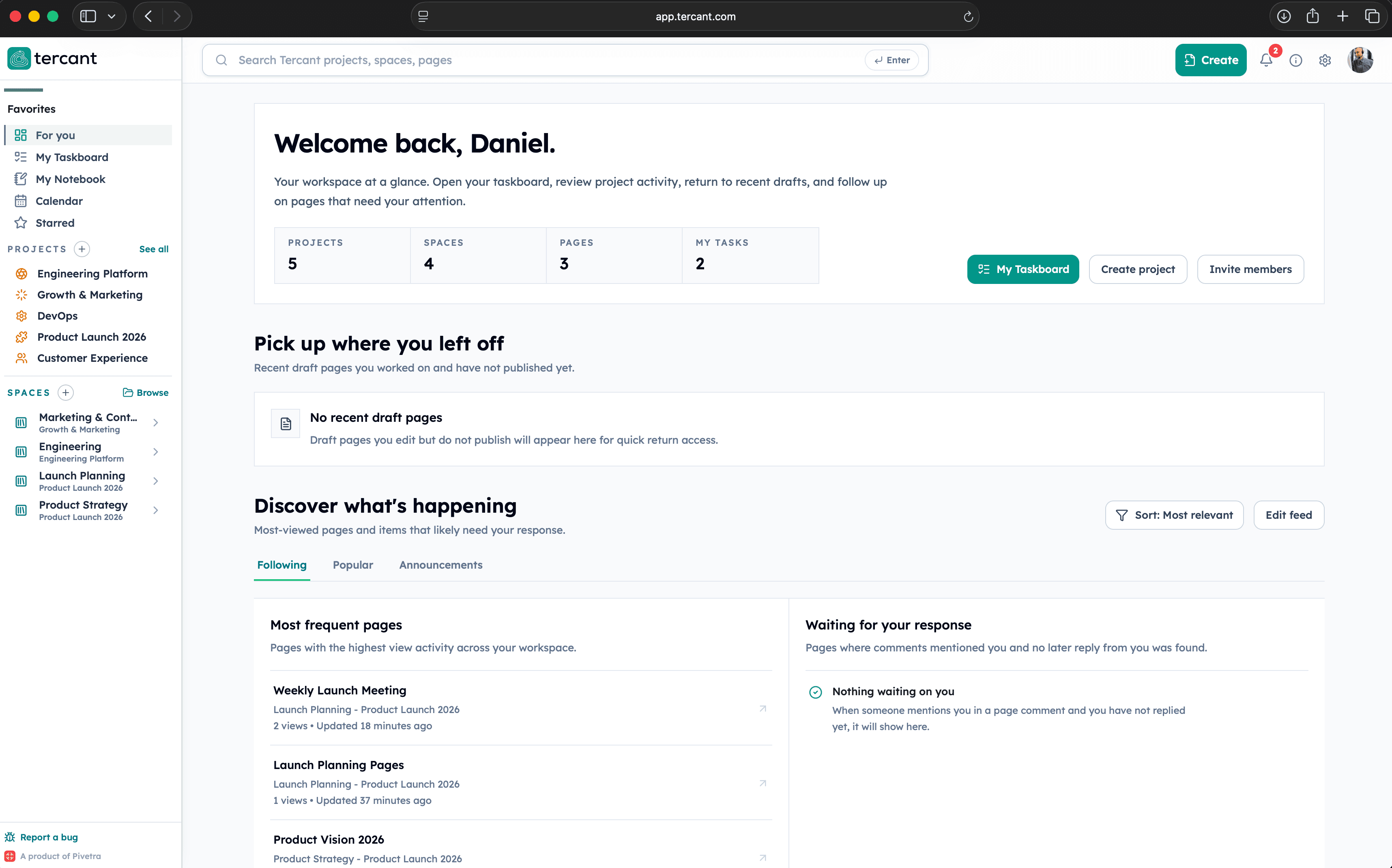
Create and refine shared documents with rich editing, comments, and team contributions.
Organize documentation around initiatives, departments, or any structure your company uses.
Use navigation and search to find pages, documents, projects, and their surrounding context.
STEP 1
Write briefs, processes, meeting notes, decisions, and reusable company guidance.
STEP 2
Place each page in the right project or space so its purpose and ownership stay clear.
STEP 3
Collaborate, publish trusted information, and make it discoverable across the workspace.
It is the shared area for managing projects and spaces and creating collaborative company pages inside them.
Yes. Teams can collaborate on shared pages and keep comments and context near the document.
Yes. Projects and spaces provide a flexible structure for different initiatives and teams.
Projects & Documentation contains shared company knowledge, while Personal Notebooks are private spaces for an individual's notes and ideas.
Tercant
Manage projects and spaces, create collaborative pages, and keep company knowledge searchable and connected in Tercant.